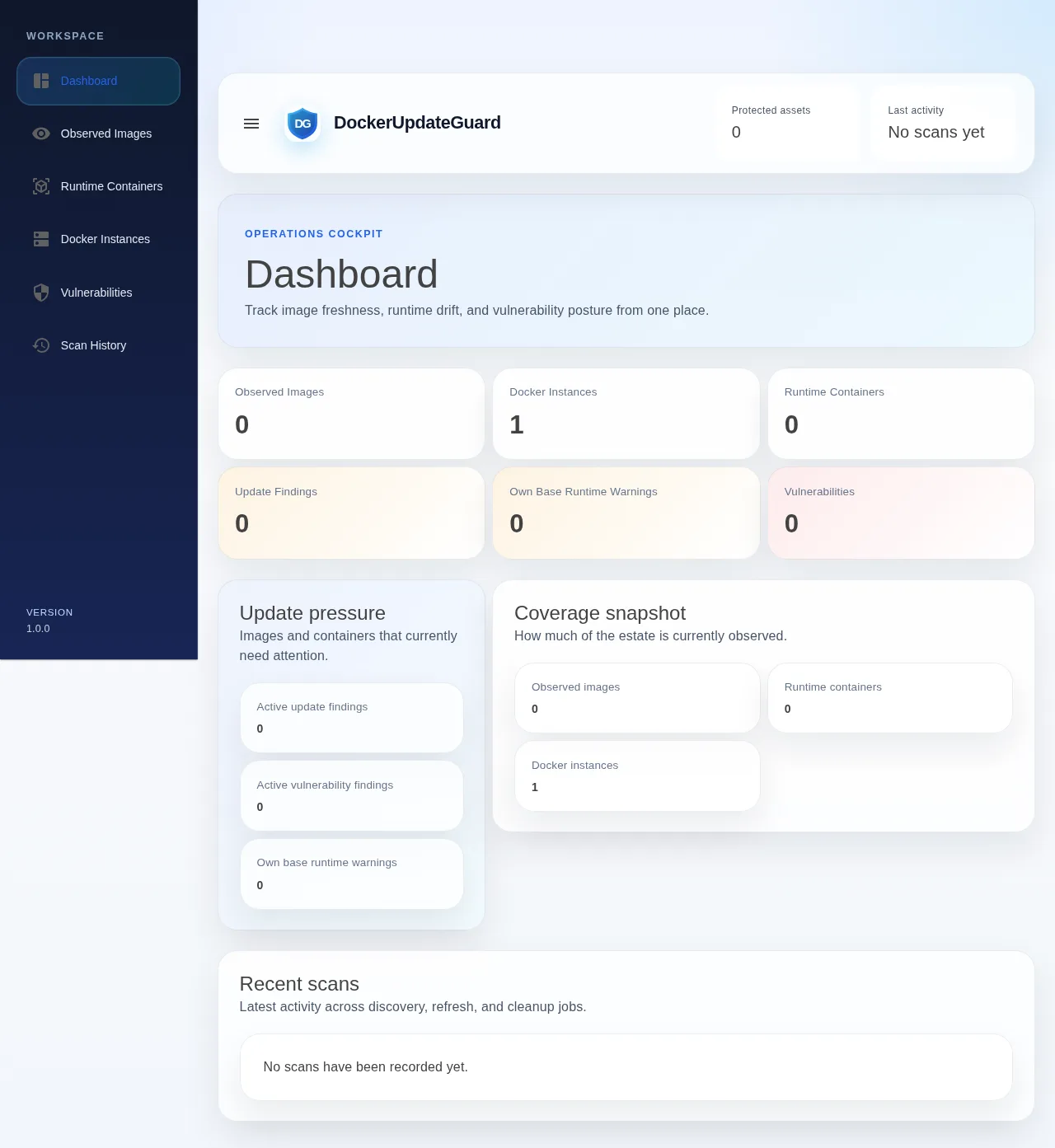
DockerUpdateGuardv1.3.8
Tracks what is actually running in Docker, compares it against registry metadata and shows where updates, vulnerabilities and shared base images need attention.
![[ e-networld.de ]](/img/logo.png)
Five active projects on GitHub: keep an eye on your Docker estate and your Raspberry Pi, read openHAB logs live, sync Plex and Jellyfin, and analyse F1 telemetry. All MIT-licensed, most of them as ready-made Docker images.
DockerUpdateGuard 1.3.8Tracks what is actually running in Docker, compares it against registry metadata and shows where updates, vulnerabilities and shared base images need attention.
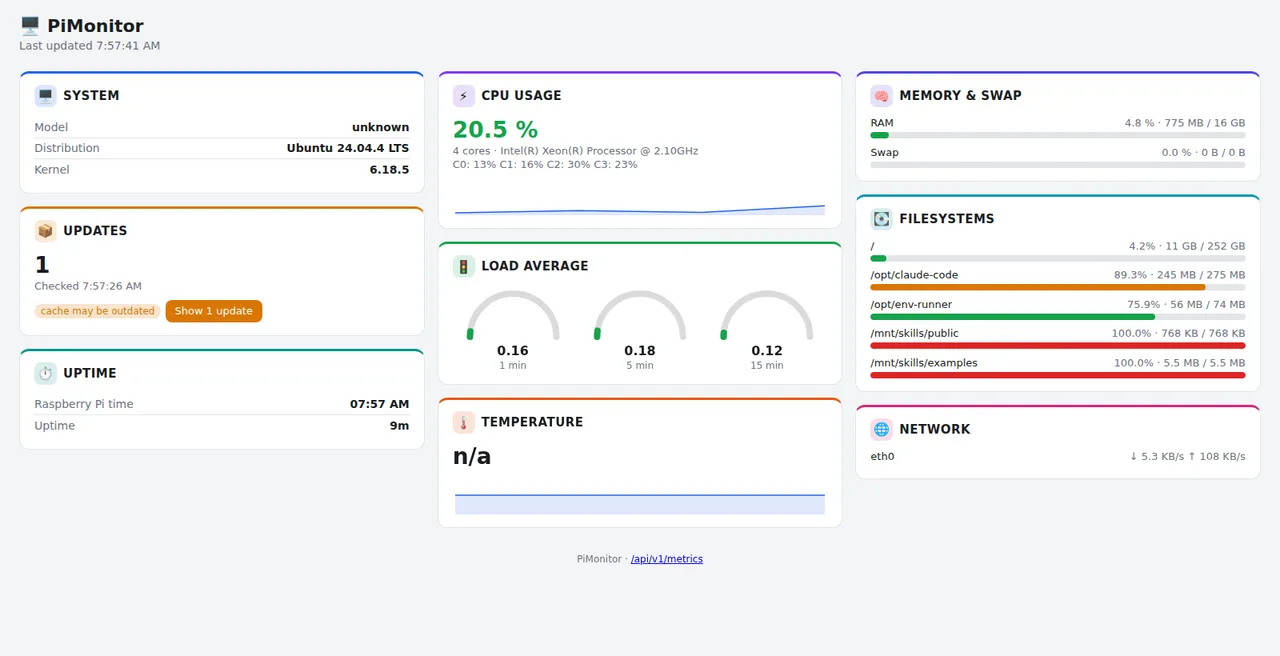
A monitoring dashboard for the Raspberry Pi as a single binary: CPU, temperature, memory, network, alert webhooks and a REST API. No database required.
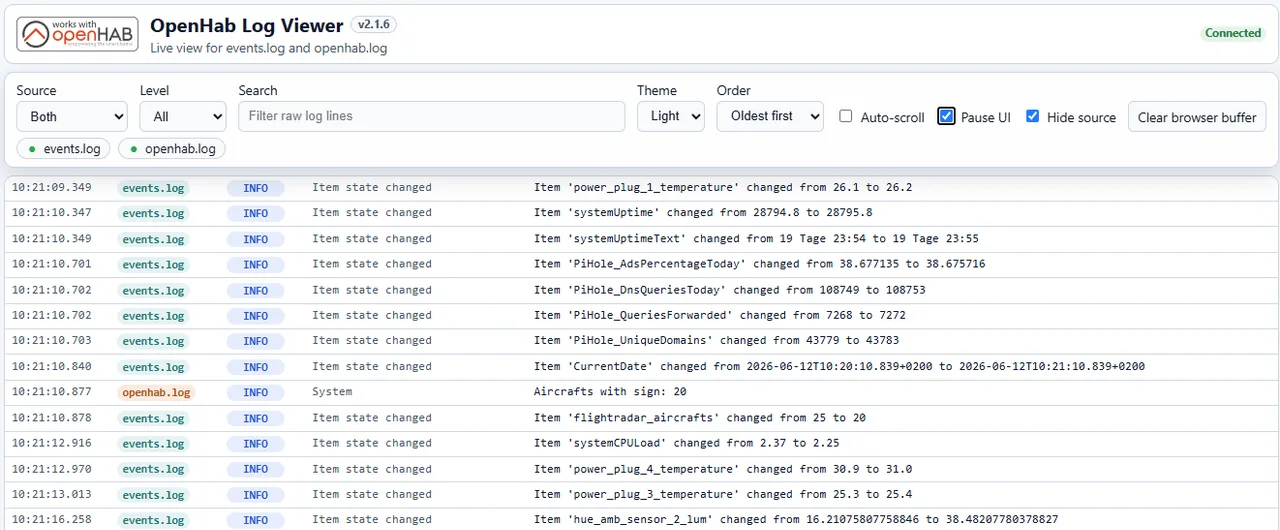
A live web view for the openHAB logs: filter by source, level and text, streaming via Server-Sent Events, with every log line staying visible as its own row.
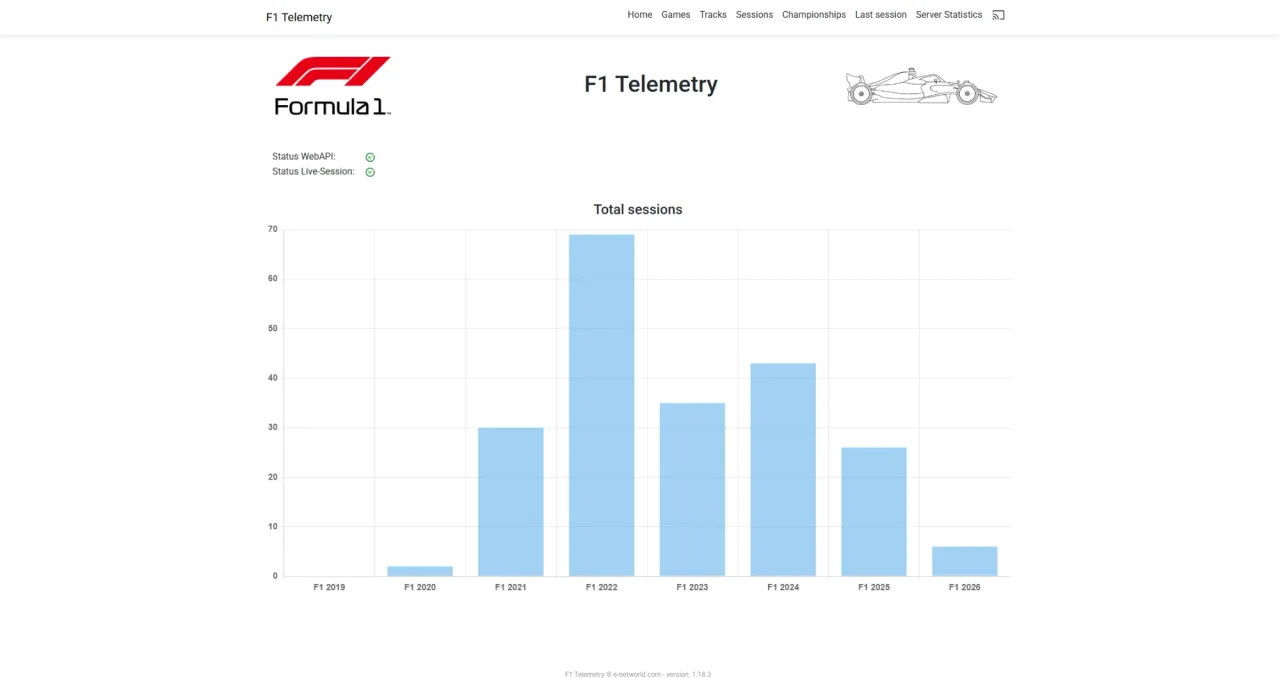
Receives the UDP telemetry of EA's F1 games from F1 2019 onwards, stores it in a relational database and visualises it in a web interface.
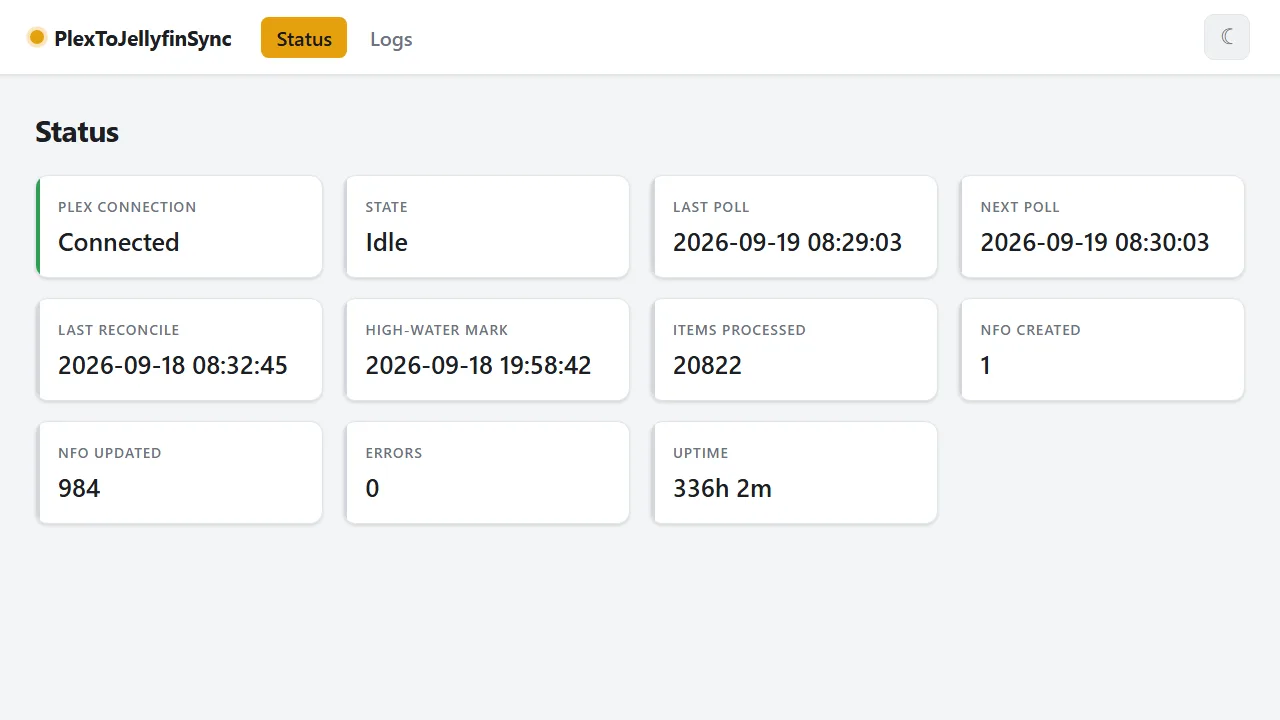
Cyclically reads the watch state from a Plex server and writes it into the NFO files Jellyfin imports, for movies and series. No Plex Pass needed, with a web dashboard.
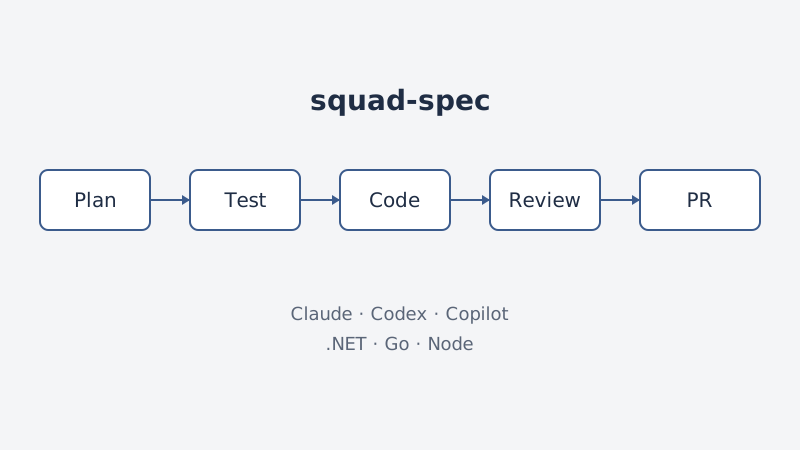
Template for spec-driven development with AI agents: a shared squad, one rule set for Claude, Codex and Copilot, and profiles for .NET, Go and Node.
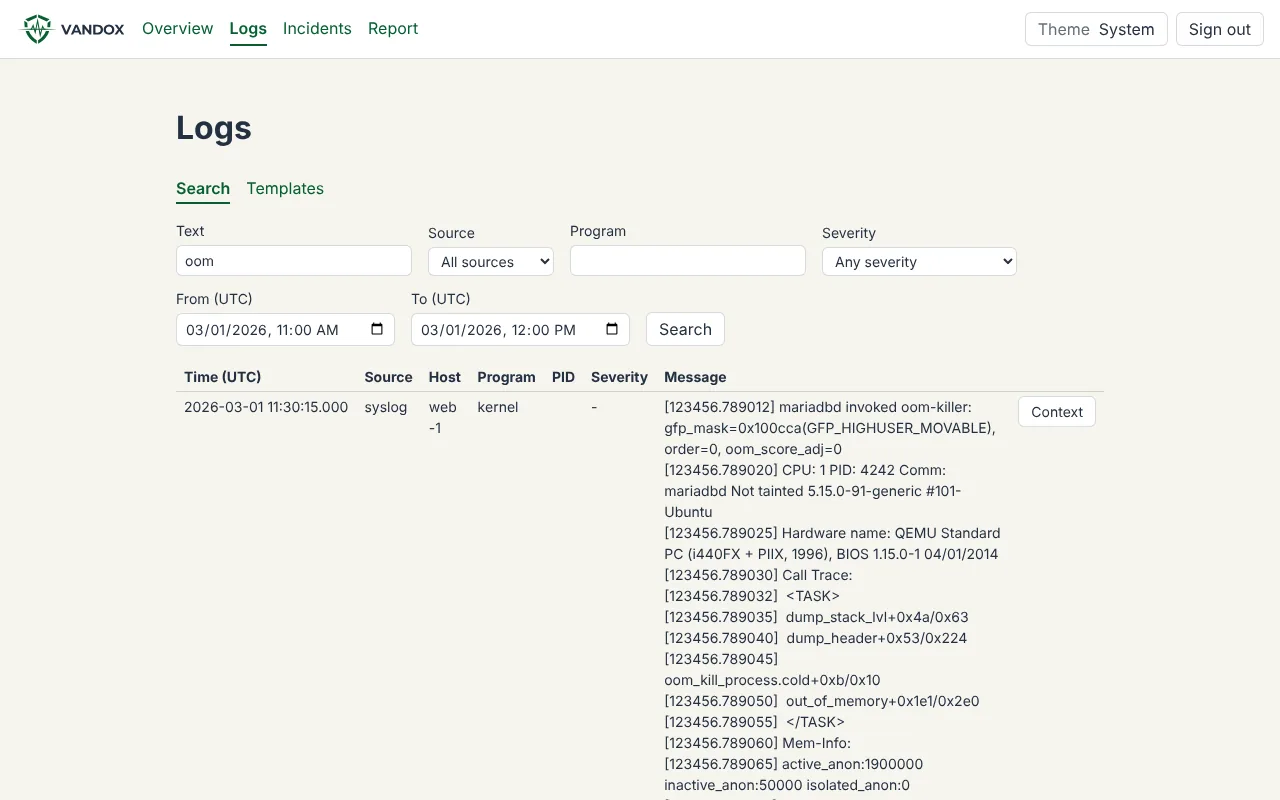
Monitors a Linux server and keeps the evidence for forensics: log import, reconstruction of outages such as OOM kills, and a web UI in a Docker container on the home network.
Reads the statistics of a running Anno 117 game on Windows and shows them live and over time in a web application.
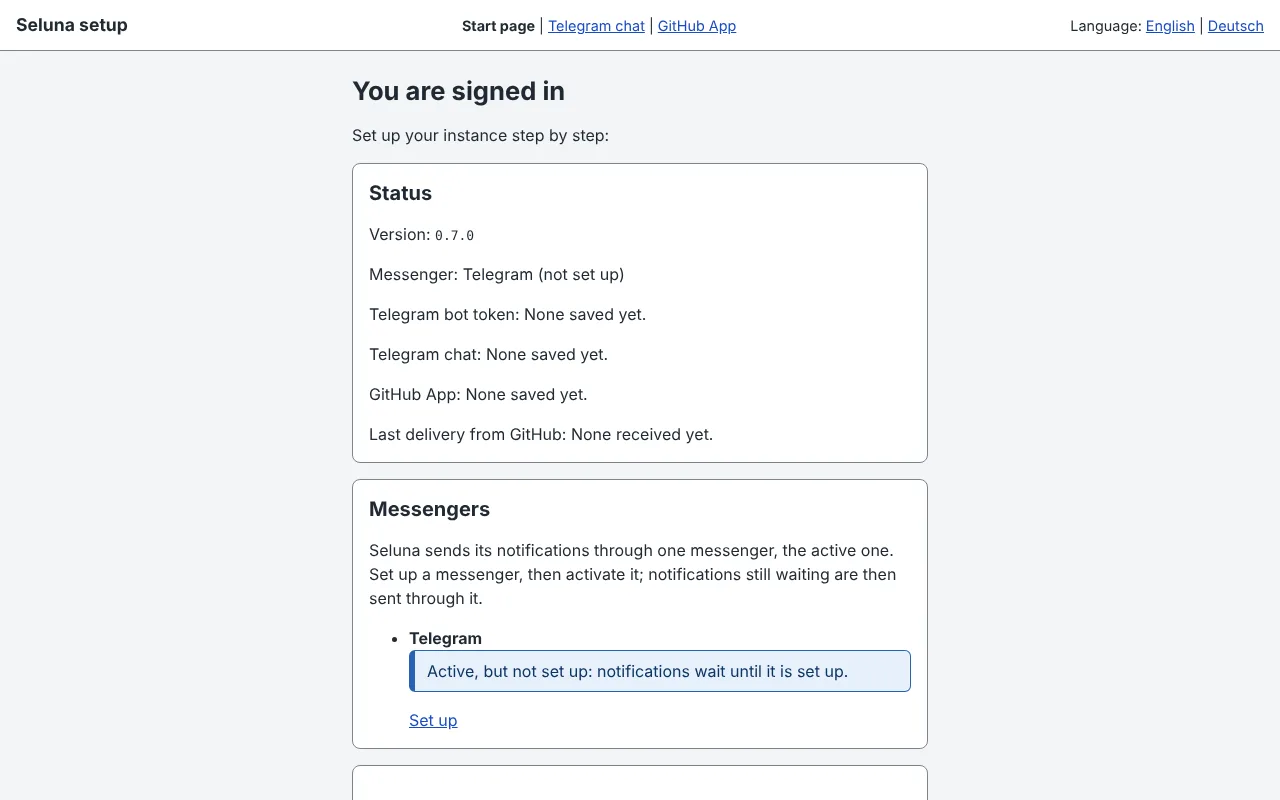
A notification on your phone when something in your GitHub repositories needs attention. Self-hosted on your own free Cloudflare account, delivered through your own messenger.
no-ip-updater, seriesoverwatch are available on Docker Hub under networlddev, without a public repository on GitHub.
Image overview →Generated from GitHub releases. Dependabot-only releases are summarised.
Most projects run with a single command:
# DockerUpdateGuard
docker run -d -p 8080:8080 \
-v /var/run/docker.sock:/var/run/docker.sock \
networlddev/dockerupdateguard:latestFound a bug or have an idea? Issues and pull requests are welcome on GitHub. If a tool helps you, a star or a small donation is appreciated.